Gaming Symbols & Clan Tag Generators
Copy and customize gaming symbols, Discord decorations, clan tags, borders, and kaomoji for usernames, profiles, servers, and gaming communities. Use the free browser-based tools below to create a tag or copy a symbol instantly.
Built by Sharjeel. Last Updated: August 2026.
🝚 Gaming Symbol and Clan Tag Tools
Generate copy-paste symbols and custom tags for Discord, Steam, game chats, and social profiles.
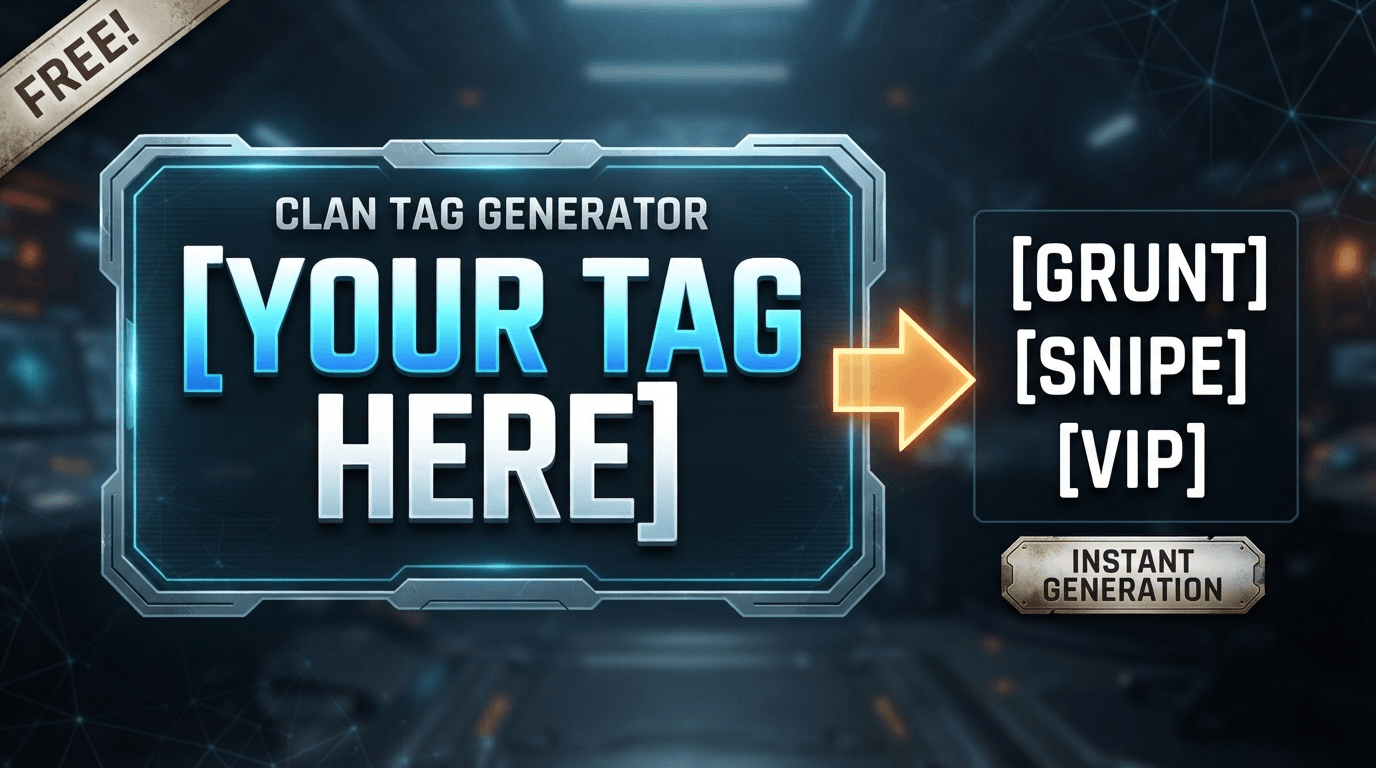
Clan Tag Generator
Generate short clan tags in cool, funny, sweaty, esports, and aesthetic styles. Choose the character length and bracket format, then copy a suggestion instantly.
Open Clan Tag Generator →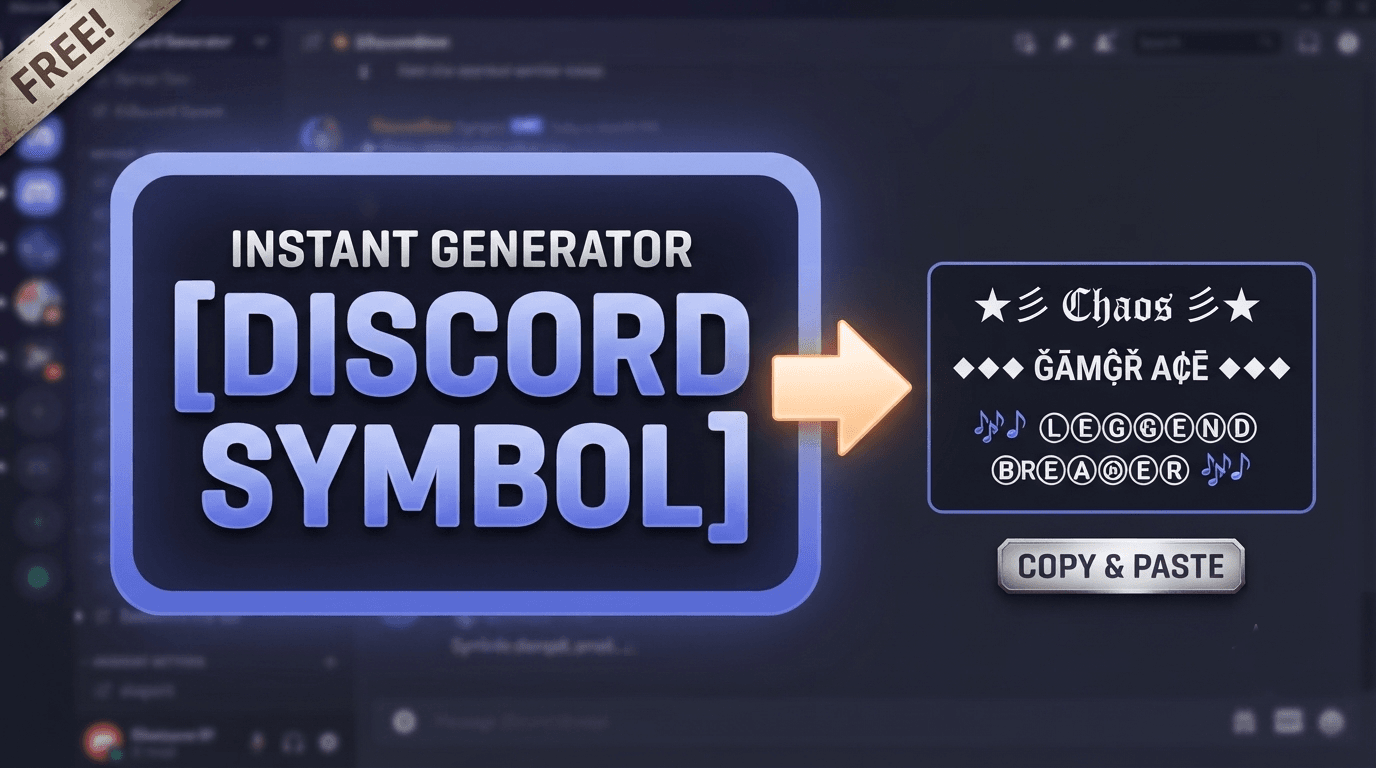
Discord Symbol Generator
Browse and copy decorative symbols, borders, arrows, stars, hearts, and kaomoji for Discord profiles, server names, and usernames.
Open Discord Symbol Generator →What Is the Difference Between a Clan Tag and a Gaming Symbol?
Understanding the difference helps you choose the right tool for your needs.
Clan Tag
A short identifier used to show membership in a team or clan. Examples: [VXR], [NOVA], [RUSH].
Gaming Symbol
A decorative Unicode character used in usernames, Discord profiles, server names, bios, and status messages. Examples: ✦, ▶, ꧁.
You can combine both, but they are used for different purposes.
Popular Gaming Symbol Categories
Explore common symbol types used by gamers across platforms.
Borders & Separators
Discord bios, server names, profile layouts
Stars & Sparks
Usernames, status messages, team names
Arrows & Direction
Navigation, profile sections, server channels
Kaomoji
Discord messages, bios, casual usernames
Decorative Brackets
Clan tags, team names, competitive usernames
How to Use These Tools
Open the Discord Symbol Generator or Clan Tag Generator.
Choose a symbol, style, character length, or bracket format.
Click the result to copy it to your clipboard.
Paste it into your profile, server, username field, or game.
Test the result on the target platform. Replace it if it displays as a square or is not accepted.
Where Can You Use Gaming Symbols?
Symbols may work in Discord, Steam profiles, game chats, clan tags, usernames, bios, and social profiles. Each platform has its own character and moderation rules, so a symbol that works in one place may be rejected or displayed differently elsewhere.
⚠️ Important Note
Some games restrict Unicode symbols, brackets, punctuation, or username length. Always test the generated text before choosing it as a permanent username.
🎮 Related Gaming Text and Graphics Tools
Combine symbols with custom fonts and graphics for a complete visual identity.
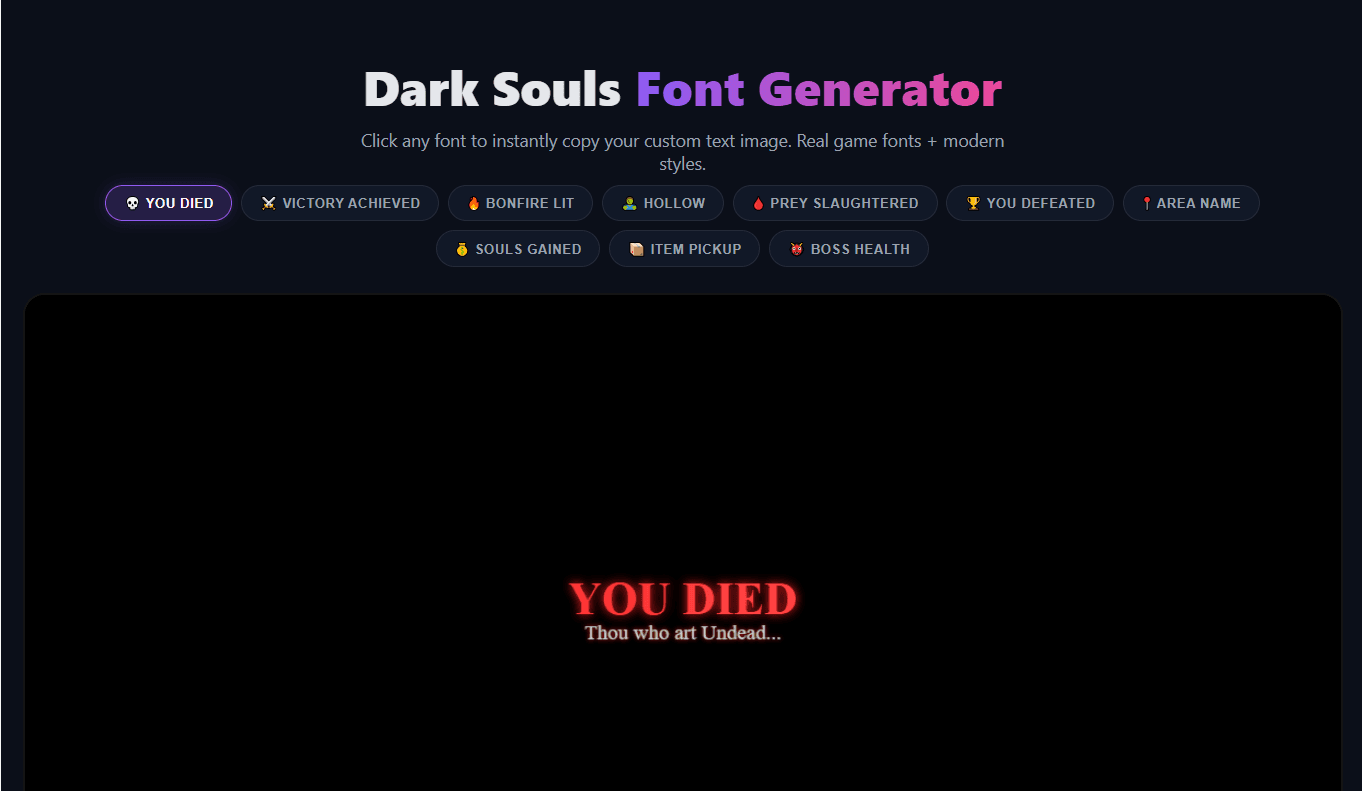
Gaming Font Generators
Combine your custom symbols with a Dark Souls, Elden Ring, GTA, or pixel art font for a fully branded gamertag.
Open Gaming Fonts Hub →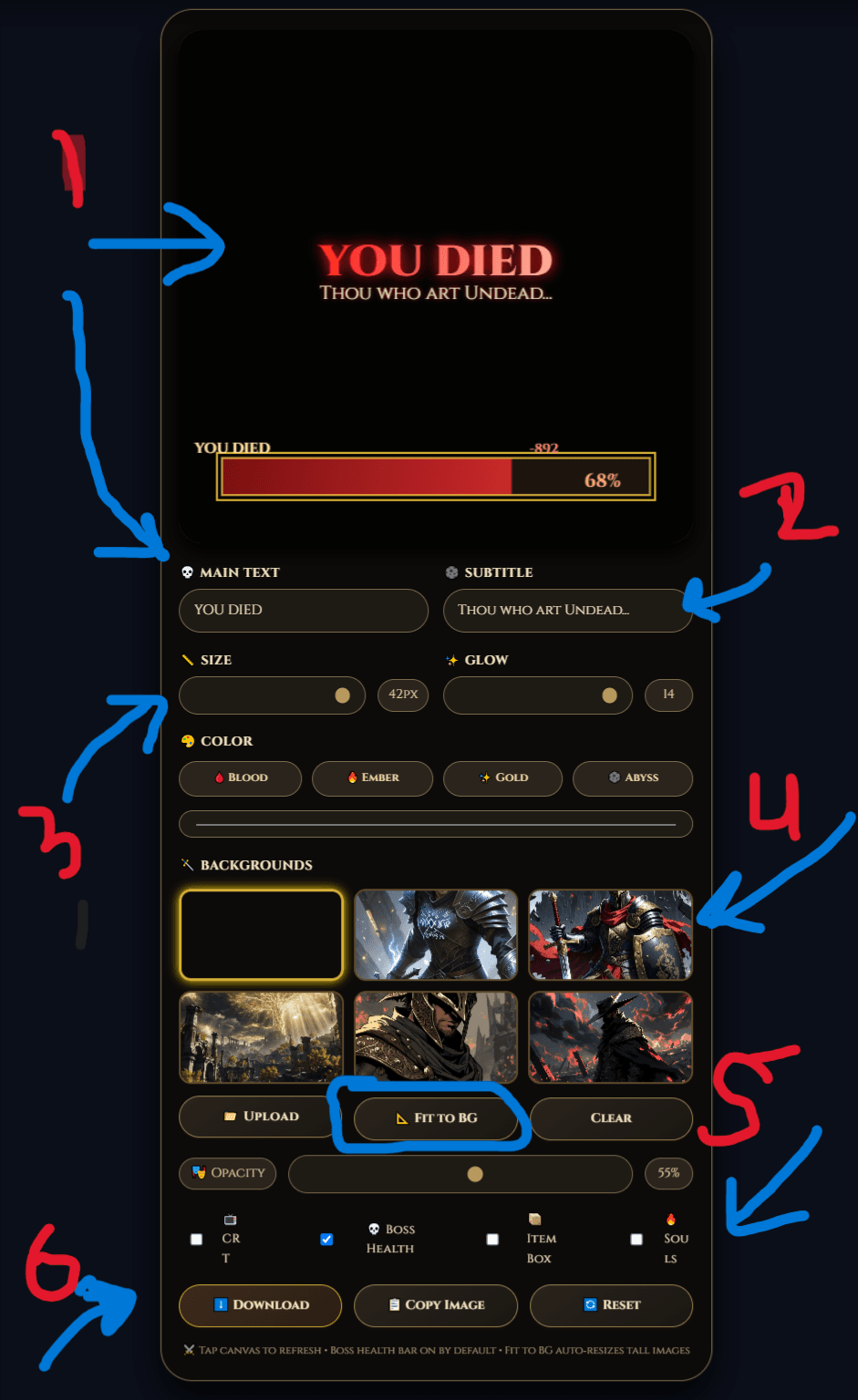
Elden Ring Health Bar Generator
Generate Elden Ring style UI overlays to match your symbol-enhanced name on stream or in thumbnails.
Open Health Bar Generator →
Ghostern Gaming Hub
Explore the full collection of free gaming tools including calculators, generators, planners, and symbol tools.
Visit Gaming Hub →Frequently Asked Questions
What is a gaming symbol generator?
A gaming symbol generator helps you find and copy decorative Unicode characters for usernames, Discord profiles, server names, bios, and gaming communities.
What is a clan tag?
A clan tag is a short identifier used before or after a username to show membership in a team or gaming group.
Can I copy the symbols directly?
Yes. Select a symbol or generated tag and use the copy button. You can then paste it into a supported profile, username, server, or game field.
Will every symbol work in every game?
No. Symbol support depends on the game, platform, device, font, and username rules. Some characters may appear as squares or be rejected.
Can I use symbols on Discord?
Many symbols work in Discord names, bios, statuses, server names, and messages, but Discord may restrict some characters or formats.
Can I use symbols on PlayStation or Xbox?
Support depends on the current account and game naming rules. Platform usernames and game-specific names may accept different characters, so test the symbol before relying on it.
Are these official gaming symbols?
No. Ghostern is an independent fan-made website. The symbols are Unicode characters and are not affiliated with any game publisher or platform.
Is the tool free?
The tools are available without an account. The exact output and features depend on the individual generator.
Independent Fan Tool Disclaimer: Ghostern is an independent fan-made website. Game names, logos, characters, and trademarks belong to their respective owners. Ghostern is not affiliated with or endorsed by any game publisher or social platform. Symbol support varies by device, operating system, and platform rules.
Ready to Upgrade Your Gamer Identity?
Pick a tool above to generate your clan tag or browse the symbol library. Copy and paste your new identity instantly.
View All Tools →