Free Aesthetic Text & Image Tools
Create aesthetic text, social-media fonts, decorative symbols, pixel-art lettering, and image effects with free browser-based tools. Generate vaporwave text, style your Instagram profile, customize Discord content, or invert image colors without installing software.
Built by Sharjeel. Last Updated: August 2026.
🝚 Aesthetic Text Generators
Create stylized, copyable text for Instagram, Discord, TikTok, and retro-themed projects.
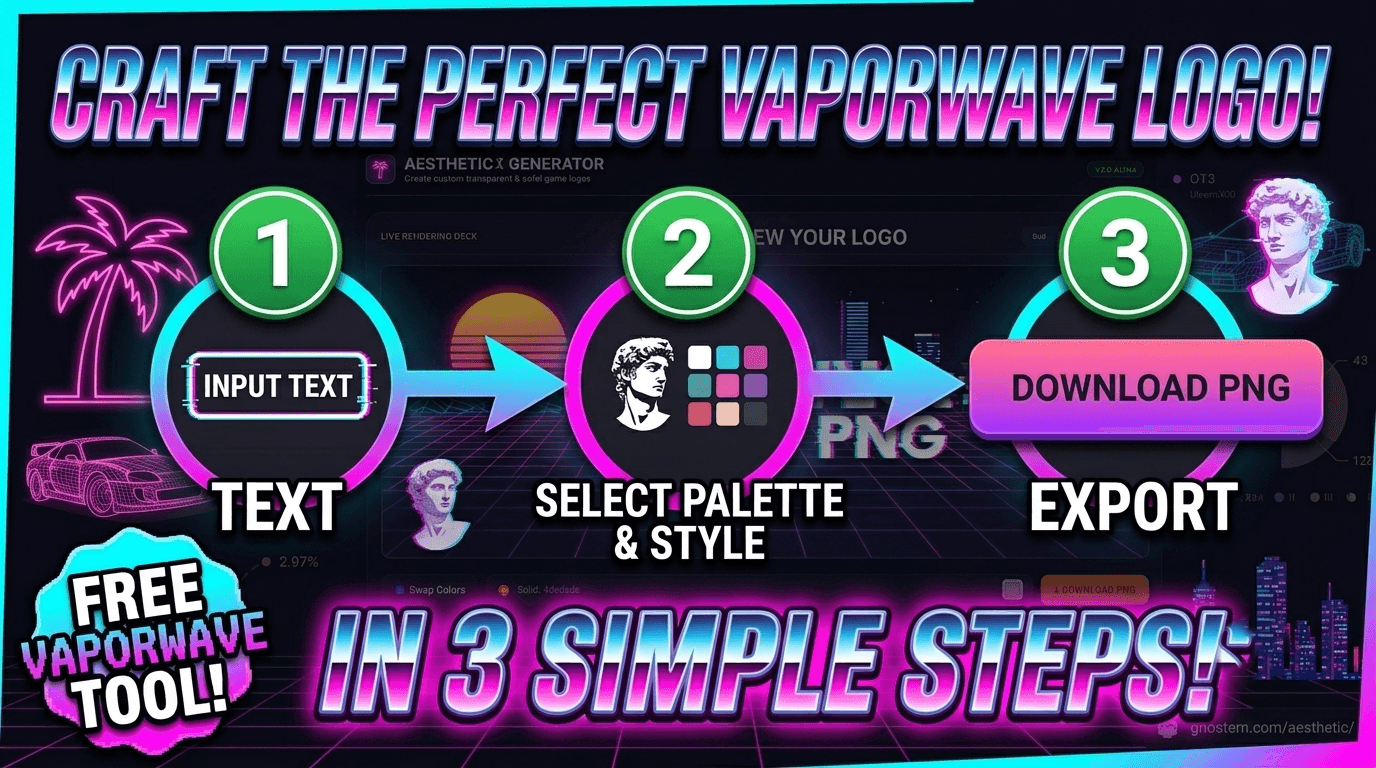
Vaporwave Text Generator
Convert standard text into wide, spaced-out Unicode characters for aesthetic bios, captions, posts, and retro-inspired profiles.
Open Vaporwave Text Generator →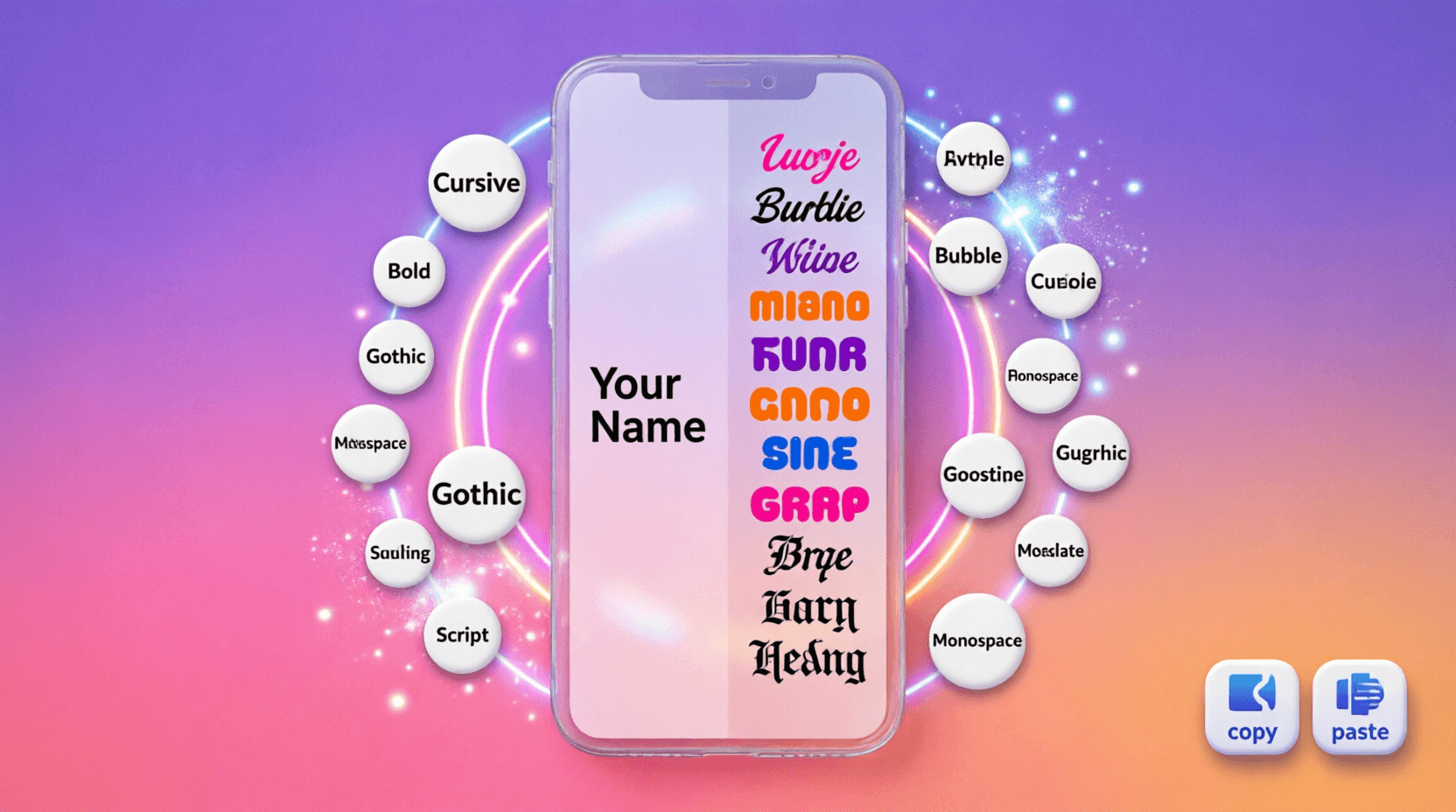
Instagram Font Generator
Create copyable Unicode text styles for Instagram bios, captions, usernames, and profile descriptions.
Open Instagram Font Generator →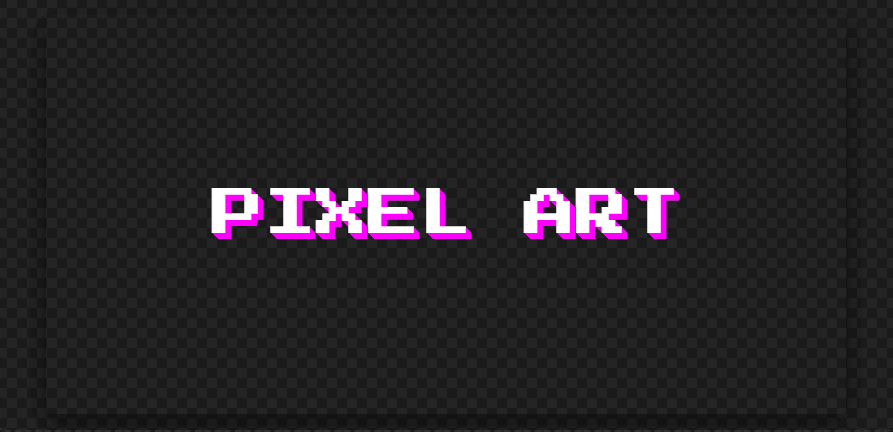
Pixel Art Font Generator
Create retro pixel-style text for gaming profiles, thumbnails, banners, and digital artwork.
Open Pixel Art Font Generator →🎨 Aesthetic Symbols and Image Editing
Decorate your profiles and edit visuals with these free tools.
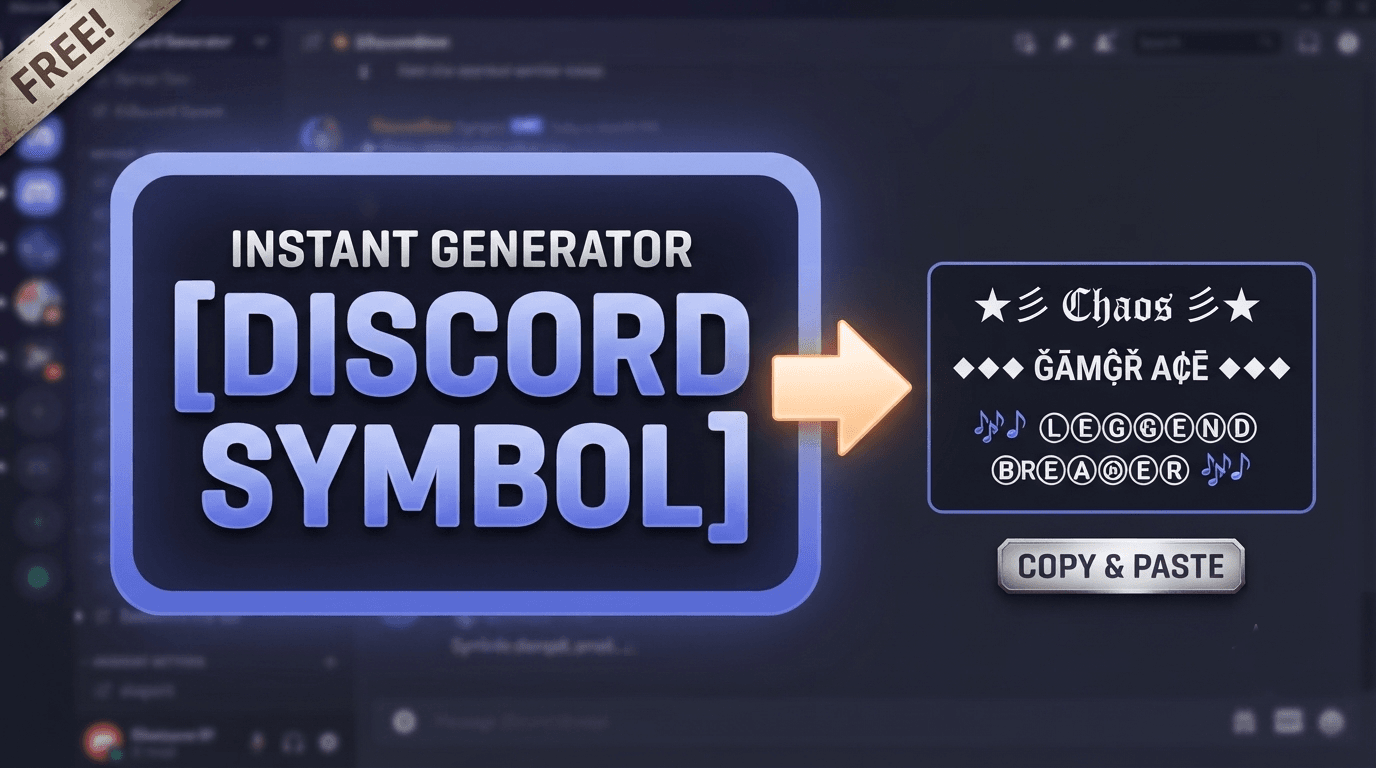
Discord Symbol Generator
Copy decorative symbols, borders, arrows, stars, and kaomoji for Discord bios, usernames, statuses, and server content.
Open Discord Symbol Generator →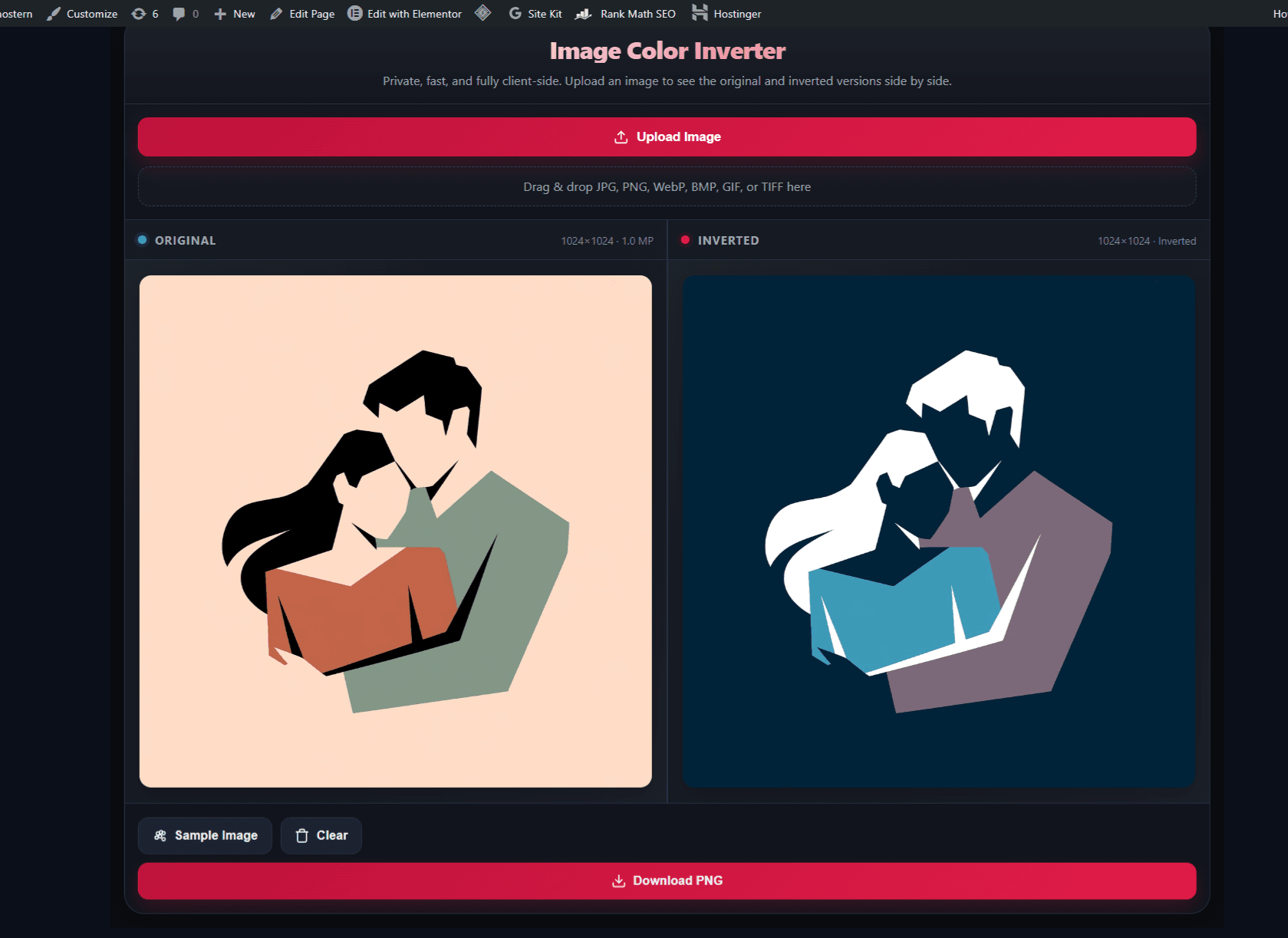
Image Color Inverter
Invert the colors of an image in your browser and download the result for dark-mode effects, negative artwork, icons, and creative edits.
Open Image Color Inverter →⚔️ Related Gaming Text Tools
Explore game-inspired typography for darker, gothic aesthetics.
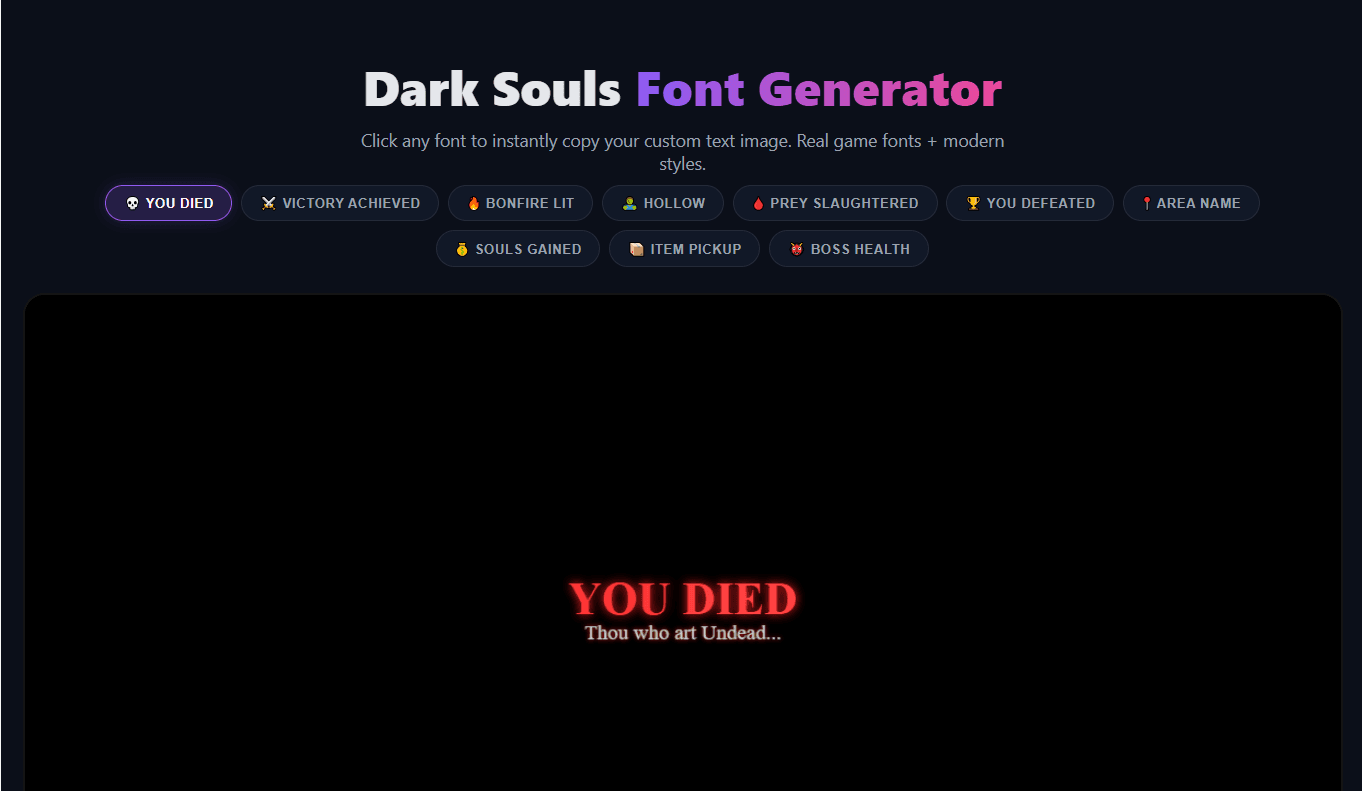
More gaming fonts available in the Gaming Fonts Hub.
What Are Aesthetic Tools?
Aesthetic tools help you create stylized text, decorative symbols, retro typography, profile content, and visual image effects. Depending on the tool, the result may be copyable Unicode text, a styled text preview, or a downloadable image.
What Can You Create?
Different tools produce different types of outputs. Use this guide to pick the right one.
| Tool Type | Output |
|---|---|
| Vaporwave Text Generator | Copyable Unicode text |
| Instagram Font Generator | Copyable Unicode text |
| Discord Symbol Generator | Copyable symbols and decorative text |
| Pixel Art Font Generator | Styled text or downloadable graphics |
| Image Color Inverter | Edited image download |
| Dark Souls Font Generator | Game-inspired text graphics |
How to Use an Aesthetic Text Generator
Open the tool that matches your style.
Enter your text.
Choose a font, symbol, or visual effect.
Preview the result.
Copy the text or download the image, then test it on your platform.
Platform and Unicode Compatibility
Unicode text may appear differently across devices, apps, and operating systems. Some characters can display as empty squares or be rejected by a platform.
⚠️ Important Note
Instagram may display Unicode characters differently depending on the device and app version. These tools create copyable text; they do not change Instagram’s character limits or platform rules. Discord supports many Unicode characters, but server names, usernames, bios, and messages may have different limits and restrictions. Test the result before using it in an important username, profile, or post.
🛡️ Privacy Notice – Image Color Inverter
The image-processing step for the Image Color Inverter runs locally in your browser when supported. The image file is not sent to Ghostern’s server for processing. Check your browser and device privacy settings for broader privacy details.
Frequently Asked Questions
What is an aesthetic text generator?
An aesthetic text generator creates stylized or decorative text for profiles, bios, captions, usernames, thumbnails, and digital artwork.
Are the aesthetic tools free?
The tools on this page are available without a paid subscription. Features and output types vary by tool.
Can I copy the generated text?
Yes. The Vaporwave, Instagram, and Discord tools create text or symbols that you can copy and paste into supported apps and platforms.
Will aesthetic Unicode text work everywhere?
Not always. Some devices and platforms may reject certain characters or display them as empty squares. Test the text before using it permanently.
Does the Image Color Inverter upload my image?
If local processing is enabled, the image is processed in your browser rather than uploaded to Ghostern’s server. Verify the tool’s current privacy behavior before uploading sensitive images.
Can I use the results commercially?
Usage rights depend on the output and any third-party game, platform, font, image, or trademark included in the project. Review the relevant rights before commercial use.
Do I need to install software?
No software installation is required. The tools run in a modern browser, although performance depends on your device and browser.
Independent Fan Tool Disclaimer: Ghostern is an independent fan-made website. Game names, logos, characters, and trademarks belong to their respective owners. Ghostern is not affiliated with or endorsed by any game publisher or social platform. Unicode text and symbol support varies by device, operating system, and platform rules.
Build Your Aesthetic Identity
Explore the tools above to create vaporwave text, Instagram fonts, Discord symbols, pixel art, or invert image colors — all in your browser.
View All Tools →