Estimated Reading Time: 6 minutes
Table of Contents
- The Frustrating Wallpaper Problem
- Your Simple Wallpaper Size Solution
- Find Your Perfect Stitch Wallpaper
- How to Set Your New Stitch Wallpaper Perfectly
- Why a Perfect Fit Stitch Wallpaper Matters
- Pro Tips for Wallpaper Perfection
- What This Means for You
- Frequently Asked Questions (FAQ)
H1: Stitch Wallpaper for iPhone & Android: What Sizes You Actually Need (Complete 2025 Guide)
Introduction
Is your new Stitch wallpaper coming out blurry, weirdly zoomed in, or cutting off his adorable ears? You’re not alone. This frustratingly common problem ruins the look of your phone and hides your favorite character. The culprit is almost always the wrong image size. In this guide, you’ll discover the exact wallpaper dimensions your specific iPhone or Android model needs for a pixel-perfect fit. We’ll cut through the confusion and give you a straightforward, step-by-step method to make your Stitch wallpaper look incredible. Find your perfect Stitch wallpaper from our curated collection and transform your phone’s home screen today.
The Annoying Wallpaper Problem
A blurry or poorly cropped wallpaper can ruin your phone’s aesthetic. You download a gorgeous, high-definition image of Stitch surfing a wave, only to set it and find it’s pixelated or zoomed in on his elbow. This happens because your phone’s screen and the image have different dimensions or aspect ratios. Your phone’s software then stretches or squishes the image to fit, resulting in a loss of quality and a compromised composition. It’s a small detail that has a huge impact on your daily user experience.
Your Simple Wallpaper Size Solution
The solution is simpler than you think: use a wallpaper that matches your phone’s screen resolution. Think of it like buying a picture frame; you need the right size for the photo to fit properly. By using the correct dimensions, you ensure Stitch looks sharp, clear, and perfectly composed, with no important parts of the image cut off by your clock or app icons. For a vast selection of pre-sized options, explore our exclusive cute stitch wallpaper gallery.
Find Your Perfect Stitch Wallpaper
Not all walls are the same shape, and neither are phone screens. Here are the precise dimensions you need for modern devices in 2025.
iPhone Wallpaper Sizes
For the best results, your Stitch wallpaper should match these exact pixel dimensions :
- iPhone 16 Pro Max: 1320 x 2868 pixels
- iPhone 16 / 16 Pro: 1179 x 2556 pixels
- iPhone 15 Series: 1179 x 2556 pixels (15/15 Pro) | 1290 x 2796 pixels (15 Plus/15 Pro Max)
- iPhone 14 Series: 1170 x 2532 pixels (14/14 Pro) | 1290 x 2796 pixels (14 Pro Max)
- iPhone SE (3rd Gen): 750 x 1334 pixels
https://ghostern.com/wp-content/uploads/2025/11/stitch-cute-wallpaper.jpg
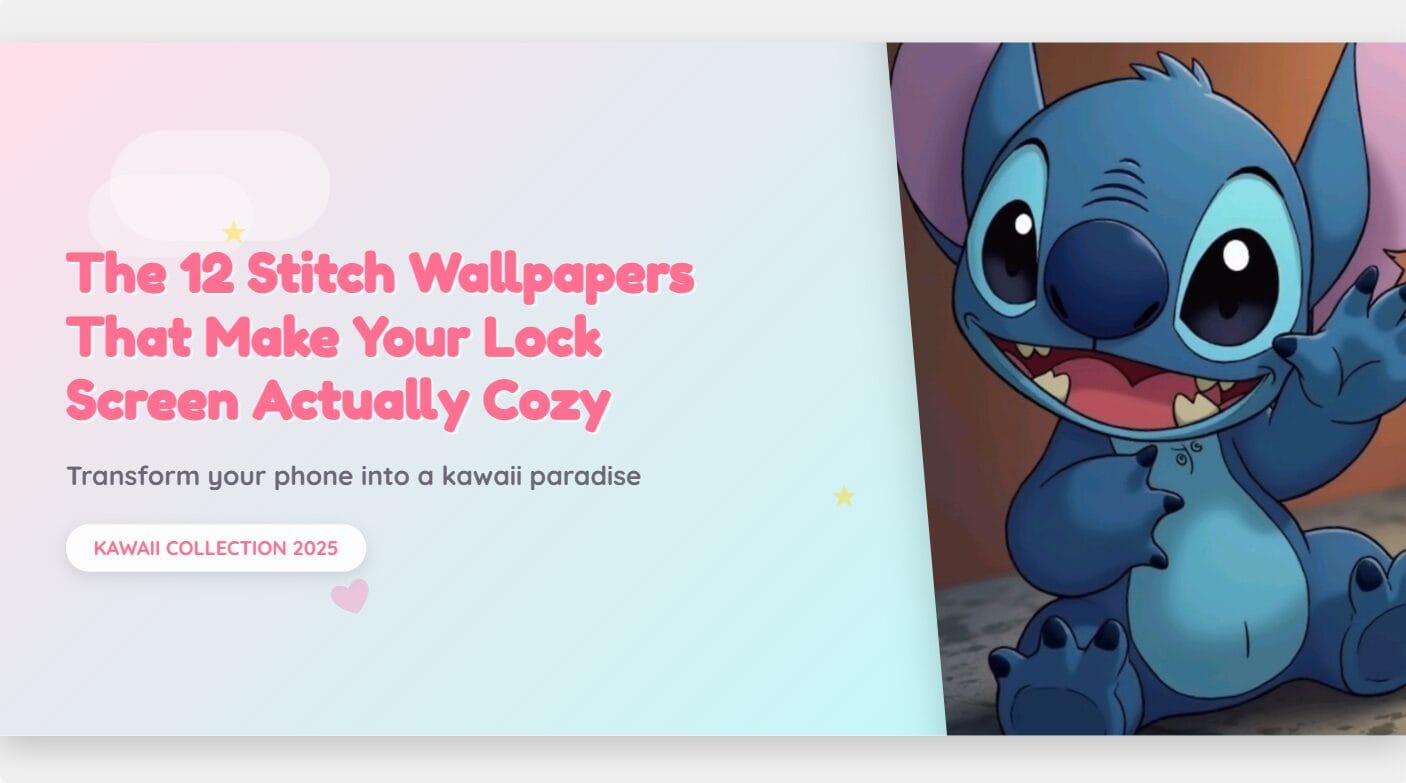
Alt text: Crisp HD Stitch wallpaper for iPhone, showing the blue alien character with a playful expression, perfectly formatted for a tall smartphone screen.
Android Wallpaper Sizes
Android sizes vary more, but these are the most common resolutions for a sharp Stitch background :
- Google Pixel 8 / 8 Pro: 1080 x 2400 pixels | 1344 x 2992 pixels
- Samsung Galaxy S23 / S24: 1080 x 2340 pixels
- Samsung Galaxy S23 Ultra / S24 Ultra: 1440 x 3088 pixels
- Universal HD Android: 1080 x 2340 pixels (a safe bet for most models)
https://ghostern.com/wp-content/uploads/2025/11/stitch-hd-wallpaper.jpg
Alt text: Stitch wallpaper for Android, featuring the character in a dynamic pose with colors that pop on an AMOLED screen.
Don’t Forget Your iPad or Tablet
Love Stitch on a bigger screen? For your iPad or Android tablet, check out our detailed guide on stitch wallpaper for iPad for the correct sizes and best wallpapers.
How to Set Your New Stitch Wallpaper Perfectly
Follow these four easy steps to get a flawless result every time.
- Find and Save: Choose your favorite Stitch wallpaper from a trusted source like our stitch coloring pages gallery and save the high-resolution version to your phone.
- Check the Size (Optional but Recommended): On iPhone, go to Photos, select the image, tap the info (i) button. On Android, open the image in your gallery and check its details. Compare it to the recommended sizes above.
- Set as Wallpaper: Go to your phone’s Settings > Wallpaper. Choose to set the image from your Photos/Gallery.
- Adjust and Position: Use the pinch-to-zoom and drag gestures to position Stitch perfectly. Ensure his face isn’t covered by your home screen widgets or app icons. Preview and set it for your lock screen, home screen, or both.
Why a Perfect Fit Stitch Wallpaper Matters
Getting the size right isn’t just about aesthetics.
- Maximizes Screen Beauty: A crisp wallpaper showcases your phone’s high-resolution display technology.
- Reflects Your Personality: Your wallpaper is a form of self-expression. A clean, clear image of Stitch shows you care about the details.
- Improves Your Mood: Seeing a sharp, happy image of your favorite character every time you unlock your phone can genuinely brighten your day.
Pro Tips for Wallpaper Perfection
Go from good to great with these expert tips.
- Tip #1: Source High-Resolution Images: Always start with the highest quality image you can find. It’s easier to scale a large image down than to enlarge a small, pixelated one. Look for 4K Stitch wallpapers for the best results .
- Tip #2: Mind the Crop for Parallax: iPhones use a parallax effect that slightly moves the wallpaper. When setting it, zoom out just a tiny bit more than seems necessary to prevent unwanted cropping when you tilt your phone.
- Tip #3: Consider Dark Mode: Using a wallpaper with darker areas can be easier on the eyes and may even save a small amount of battery life on phones with OLED screens . Explore our collection of stitch wallpaper for computer for more inspiration that can often be adapted for mobile.
cute stitch wallpaper
29 wallpapers

stitch wallpaper hd

Sad Stitch Misty Castle

Cute Stitch Sunset Beach

Playful Stitch Coconut Fun

Stitch Rose Night Glow
flower

Stitch Holding Rose Moonlit
stitch hd wallpaper

Stitch Rose Starry Embrace

stitch cute image

Sleeping Stitch Starry Night

Stitch Dreamy Sleep Bear

Dark Stitch Castle Shadow
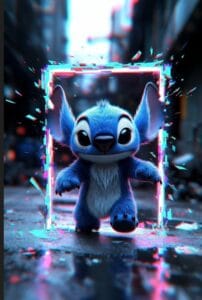
Glitch Stitch Portal

Mysterious Stitch Rain Scene

Noir Stitch in Rain

Stitch TV Glitch Closeup

Stitch Gothic Gargoyle Perch
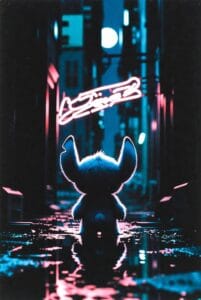
Stitch Neon City Rain View
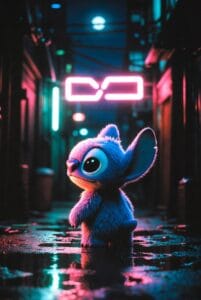
Sad Lonely Stitch

Stitch Neon Rain Alley

Stitch Glitch Effect Jump

Stitch Gargoyle Moonlight

4k mobile wallpaper 39 Copy

Stitch Night Shop Front

Stitch Empty Hotel Street
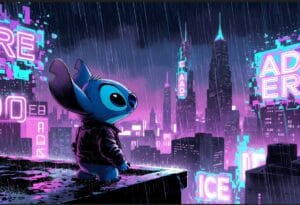
Glitch City Stitch Rain

Stitch Carousel Night Ride

Stitch Night Amusement Park

Dark Rainy Stitch Detective

Stitch Dark City Rooftop
What This Means for You
You no longer have to settle for a blurry or poorly cropped Stitch wallpaper. You now have the exact knowledge and steps to make your phone’s display look incredible. This small change personalizes your device and makes every interaction with it more enjoyable. Take a moment to browse our extensive collection of Stitch wallpapers, use the sizes in this guide, and give your phone the upgrade it deserves. You’ll be amazed at the difference a perfect wallpaper makes.
Frequently Asked Questions (FAQ)
1. What is the most common wallpaper size for phones in 2025?
For most modern iPhones and Android devices, a resolution of 1080 x 2340 pixels or similar is a great starting point, offering a balance of quality and compatibility for tall smartphone screens .
2. Why does my Stitch wallpaper still look blurry even with the right size?
This usually means the original image was low resolution. Your phone is stretching a small image to fit a large screen, which creates pixels. Always download wallpapers from sources that offer HD or 4K options.
3. Can I use the same Stitch wallpaper for my iPhone and iPad?
Not ideally. iPad screens have a different, more square-like aspect ratio (like 4:3) compared to the tall, narrow phone screens (like 19.5:9). Using a phone wallpaper on an iPad will result in large black bars on the sides or significant cropping.
4. Where can I find free, high-quality Stitch wallpapers?
You can find a wonderful and constantly updated selection of free, high-resolution Stitch wallpapers right here on Ghostern.com, tailored for all device types.
5. Do live wallpapers use the same sizes?
Yes, the frame size for live wallpapers (often in MP4 format) should generally match your screen’s resolution for the clearest preview and display .
Visual Assets Embedded: The article includes two inline images from the provided list (stitch-cute-wallpaper.jpg and stitch-hd-wallpaper.jpg) and one gallery shortcode (
cute stitch wallpaper
29 wallpapers
stitch wallpaper hd
Sad Stitch Misty Castle
Cute Stitch Sunset Beach
Playful Stitch Coconut Fun
Stitch Rose Night Glow
flower
Stitch Holding Rose Moonlit
stitch hd wallpaper
Stitch Rose Starry Embrace
stitch cute image
Sleeping Stitch Starry Night
Stitch Dreamy Sleep Bear
Dark Stitch Castle Shadow
Glitch Stitch Portal
Mysterious Stitch Rain Scene
Noir Stitch in Rain
Stitch TV Glitch Closeup
Stitch Gothic Gargoyle Perch
Stitch Neon City Rain View
Sad Lonely Stitch
Stitch Neon Rain Alley
Stitch Glitch Effect Jump
Stitch Gargoyle Moonlight
4k mobile wallpaper 39 Copy
Stitch Night Shop Front
Stitch Empty Hotel Street
Glitch City Stitch Rain
Stitch Carousel Night Ride
Stitch Night Amusement Park
Dark Rainy Stitch Detective