
cute stitch wallpaper
29 wallpapers
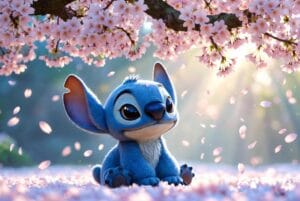
stitch wallpaper hd
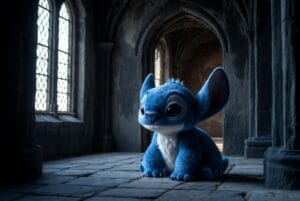
Sad Stitch Misty Castle

Cute Stitch Sunset Beach

Playful Stitch Coconut Fun

Stitch Rose Night Glow
flower

Stitch Holding Rose Moonlit
stitch hd wallpaper

Stitch Rose Starry Embrace

stitch cute image
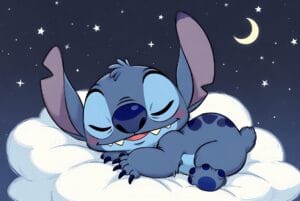
Sleeping Stitch Starry Night
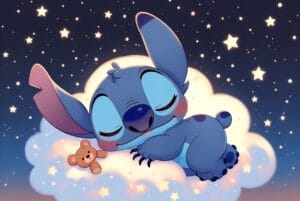
Stitch Dreamy Sleep Bear

Dark Stitch Castle Shadow
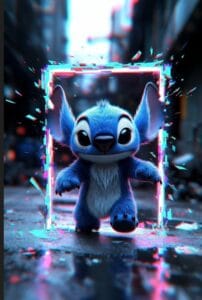
Glitch Stitch Portal
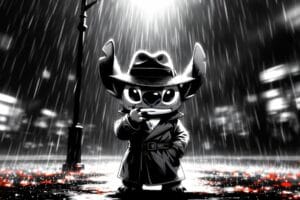
Mysterious Stitch Rain Scene
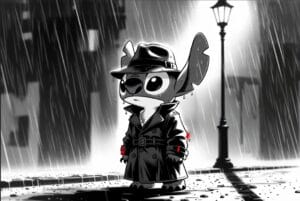
Noir Stitch in Rain
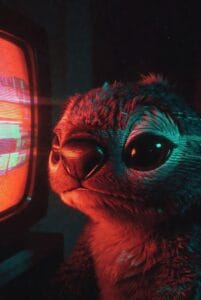
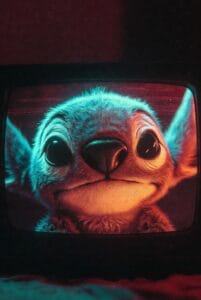
Stitch TV Glitch Closeup
Stitch Gothic Gargoyle Perch
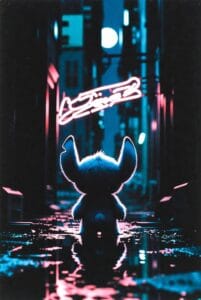
Stitch Neon City Rain View
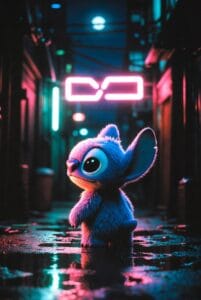
Sad Lonely Stitch
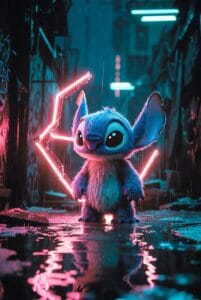
Stitch Neon Rain Alley
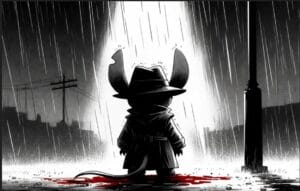
Stitch Glitch Effect Jump
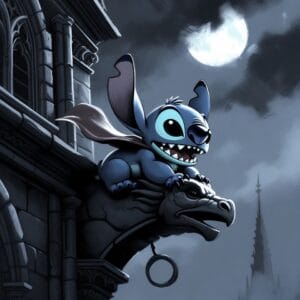
Stitch Gargoyle Moonlight
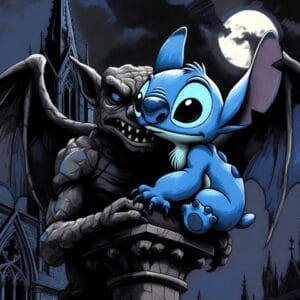
4k mobile wallpaper 39 Copy

Stitch Night Shop Front
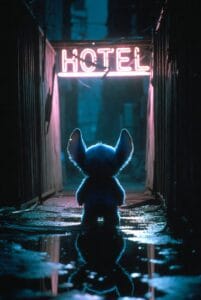
Stitch Empty Hotel Street
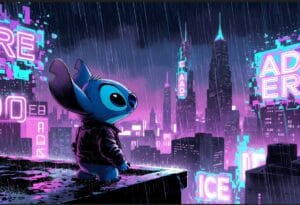
Glitch City Stitch Rain

Stitch Carousel Night Ride
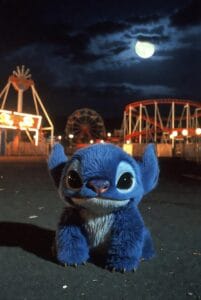
Stitch Night Amusement Park
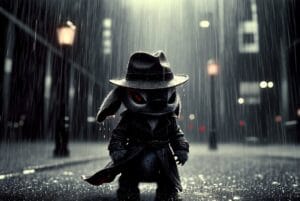
Dark Rainy Stitch Detective
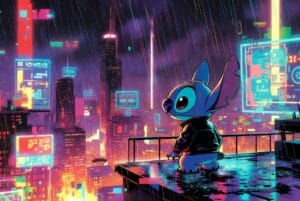
Stitch Dark City Rooftop
cute stitch wallpapers – Download adorable Stitch wallpapers in HD and 4K. Transform your devices with everyone’s favorite blue alien from Lilo & Stitch.
By Ghostern Team | 2025-11-13
Table of Contents
The Charm of Stitch
There’s something universally delightful about Stitch—that mischievous blue alien with oversized ears and a heart of gold. From the moment he crashed into our lives in Disney’s “Lilo & Stitch,” this character has embodied the perfect blend of chaos and warmth, teaching us that “Ohana means family” and that even the most unlikely creatures can find their place in the world.
When you set a cute Stitch wallpaper, you’re not just adding an image to your screen—you’re inviting a daily dose of joy, playfulness, and reminder that family comes in all shapes and sizes. Stitch’s expressive face, whether he’s causing delightful trouble or showing surprising tenderness, brings a smile to your face every time you unlock your device.
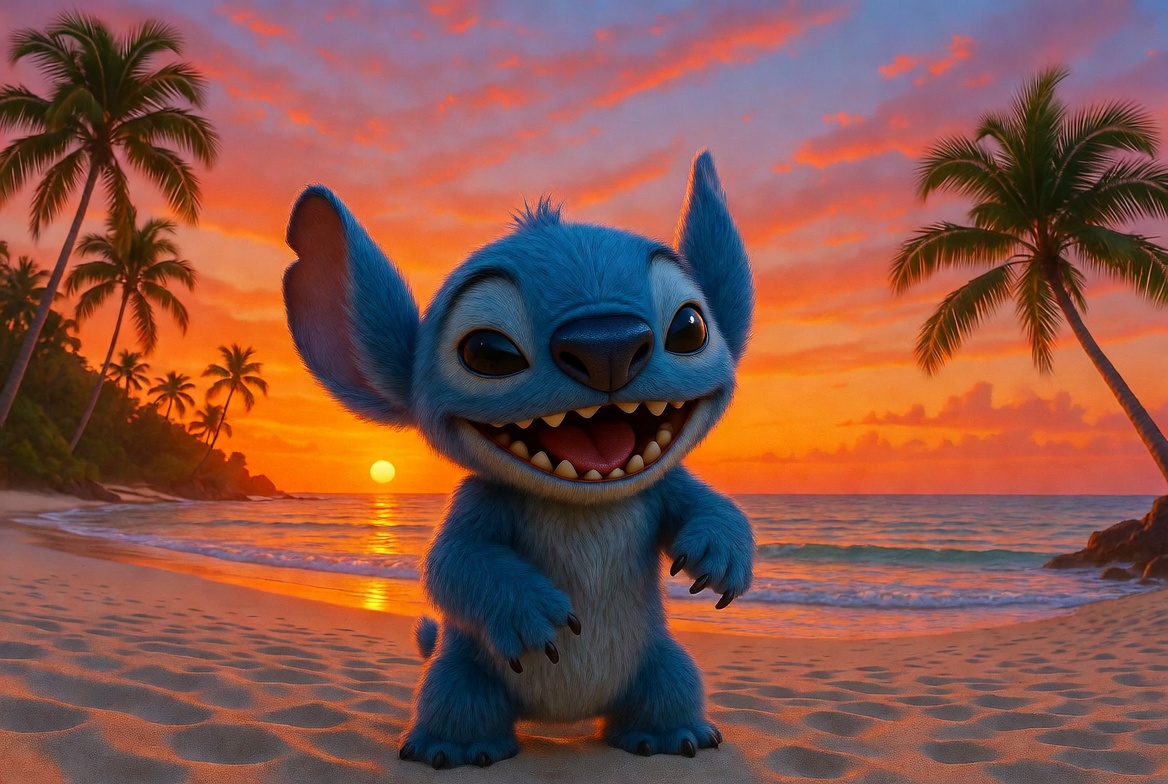 — Caption: Our cute Stitch wallpapers capture the playful spirit of everyone’s favorite blue alien.
Our Cute Stitch Collection
Our carefully curated Stitch wallpaper collection celebrates the many facets of this beloved character, from his mischievous antics to his tender moments with Lilo. Each wallpaper is designed to provide an enjoyable visual experience while capturing the essence of what makes Stitch so special to fans of all ages.
Adorable Expressions These pages feature Stitch in his most iconic poses—whether he’s causing delightful chaos, striking his curious expressions, or showing his surprisingly soft side. The clean lines and moderate detail make these perfect for younger viewers while still offering enough interest for adults seeking a relaxing activity.
Stitch with Friends See Stitch interacting with his extended family—Lilo, Angel, Jumba, Pleakley, and other characters from the Hawaiian universe. These wallpapers tell small stories through their compositions, inviting you to imagine the conversations and adventures happening between these beloved characters.
Seasonal & Special Stitch Our collection includes Stitch in various seasonal settings and special outfits—celebrating holidays, enjoying beach days, or dressed in whimsical costumes. These wallpapers offer extra creative opportunities with background elements and decorative details that can be personalized with your color choices.
Choosing the Perfect Stitch Wallpaper
Selecting the right Stitch wallpaper involves more than just picking a favorite image—it’s about finding one that complements your device, matches your aesthetic preferences, and creates the right emotional impact.
Consider Your Device Type Different devices display wallpapers differently, so it’s important to choose the right version:
- Desktop: Choose landscape-oriented wallpapers with high resolution (1920×1080 or 4K) for maximum detail on larger screens
- Mobile: Select portrait-oriented versions that account for the clock, app icons, and home screen elements
- Tablet: Consider medium-resolution options that work well in both portrait and landscape orientations
Match Your Mood Think about the emotional impact you want from your wallpaper:
- Playful: Bright colors, dynamic poses, and action scenes
- Calming: Soft expressions, pastel backgrounds, and gentle lighting
- Nostalgic: Images that reference specific moments from the movies or series
Technical Considerations For the best visual quality, consider these factors:
- Resolution: Always select the highest resolution your device supports to avoid pixelation
- Color Accuracy: Ensure your device’s color settings are optimized for the wallpaper’s palette
- File Format: JPEG for photographs with complex gradients, PNG for images with sharp lines and text
Setting Up Your Stitch Wallpaper
Once you’ve found the perfect Stitch wallpaper, setting it up correctly ensures it looks its best on your device:
For Desktop:
- Download the appropriate resolution for your monitor
- Right-click on your desktop and select “Personalize” or “Change Desktop Background”
- Navigate to your downloaded image and select “Set as Desktop Background”
- Choose “Fit” or “Fill” as the display option to maintain the correct aspect ratio
For Mobile:
- Download the mobile-optimized version of your chosen wallpaper
- Go to Settings > Wallpaper on your device
- Select “Choose New Wallpaper” and navigate to your downloaded image
- Decide whether to set it as your lock screen, home screen, or both
For Tablet:
- Download the tablet version of the wallpaper
- Open your device’s settings and locate the wallpaper options
- Select your downloaded image and choose whether to display it on the home screen, lock screen, or both
- Adjust the positioning if needed to ensure the character’s face isn’t covered by app icons
Explore more Stitch content on Ghostern:
Stitch Coloring Pages | Stitch Wallpaper for iPad | Stitch Wallpaper for Computer
For additional Disney-inspired creative ideas, check out Disney Family, where you’ll find crafts, recipes, and activities featuring everyone’s favorite blue alien.
About the Author: The Ghostern Team is passionate about bringing the joy of beloved characters to life through creative activities. Our Stitch wallpapers are designed with care to capture the spirit of this special character while providing a fun, relaxing activity for fans of all ages.
Follow us on Instagram and Pinterest for daily creative inspiration and new wallpaper releases.
- Best Free Gaming Text & Font Generators in 2026: Create Custom Names, Symbols & Aesthetic Effects
- 10 Cool Discord Server Ideas: How to Setup Custom Names & Symbols (2026 Guide)
- Master Image Color Inversion Techniques for Pro Edits
- Dark Souls text Generator: make Your Own ‘You Died’ Screen
- The 12 Best Stitch Lock Screen Wallpapers for Your Phone