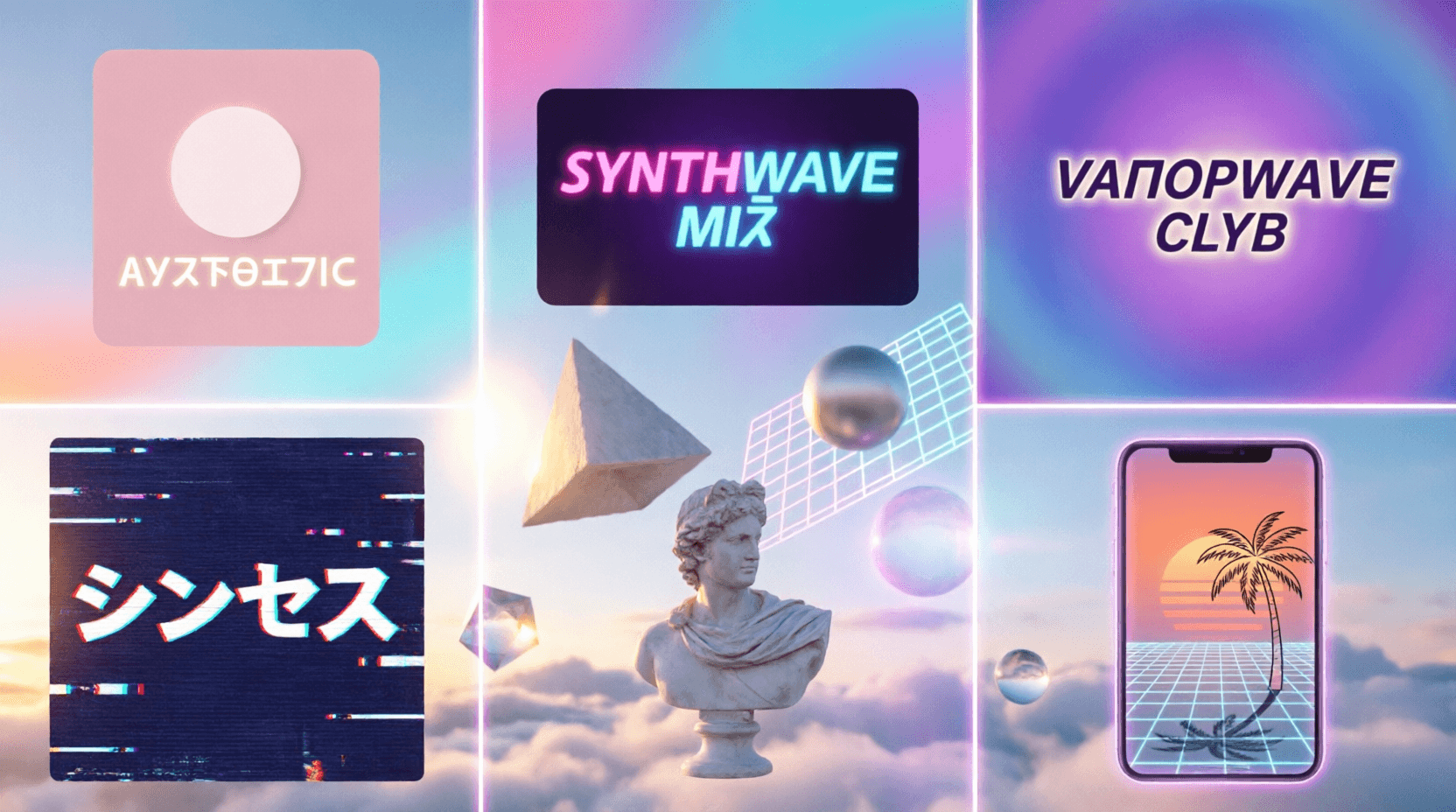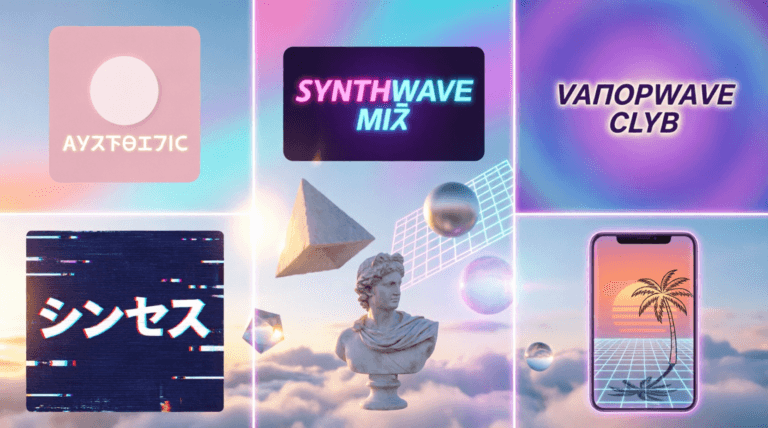
Quick Take: The vaporwave aesthetic blends 80s nostalgia, neon dreams, and retro-futuristic vibes. Our Vaporwave Text Generator transforms plain text into full‑width, spaced‑out characters (like this: AESTHETIC). Here are five unexpected ways to use it beyond just copying and pasting.
🌸 Try It Yourself
Open the generator in a new tab and follow along with these ideas.
🌸 OPEN VAPORWAVE GENERATOR① Level Up Your Social Media Bio (Instagram, TikTok, X)
Your bio is your first impression. A vaporwave bio stands out instantly in a sea of plain text. The full‑width Unicode characters create a stretched, retro‑futuristic look that evokes 80s mall culture and early internet aesthetics.
- Example Bio: 「 DIGITAL DREAMER 」 ☾ AESTHETIC ☽
- Pro Move: Combine with our Discord Symbol Generator to add decorative brackets, stars, and Japanese characters for extra flair.
- Result: A unique, eye‑catching profile that signals your appreciation for niche internet culture.
② Neon YouTube Thumbnails & Video Titles
Vaporwave text grabs attention in crowded YouTube feeds. The wide‑spaced, retro style sets a specific mood—perfect for synthwave mixes, retro gaming content, or aesthetic vlogs.
- Thumbnail Text: Generate “SYNTHWAVE MIX” or “RETRO GAMING” as a transparent PNG.
- Layering: Place it over a neon gradient background or a retro grid pattern. Add a subtle glow effect in any image editor.
- Video Title: Copy and paste the vaporwave text directly into your YouTube title field for a unique, eye‑catching look in search results.
③ Retro Discord Server Names & Channel Headers
Give your Discord community a cohesive vaporwave identity. The aesthetic works especially well for art servers, synthwave music communities, and retro gaming groups.
- Server Name: “VAPORWAVE CLUB” or “MALLSOFT LOUNGE”
- Channel Ideas: “🌐-general-chat”, “🌸-aesthetic-share”, “📼-vintage-gaming”
- Role Names: Create stylized role tags like “AESTHETIC OVERLORD” or “VHS ENJOYER”.
- Pro Tip: Pair with our Discord Symbol Generator to add decorative frames around channel names.
④ Glitch Art Posters & Digital Collages
Vaporwave text is a core element of glitch art and retro‑futuristic digital collages. Use the generator to create typography assets that you can layer into your own artwork.
- Technique: Generate multiple text elements (e.g., “DREAM”, “1999”, “AESTHETIC”) as transparent PNGs.
- Layering: Import into Photoshop, GIMP, or Canva. Layer over retro grids, VHS scanlines, classical statue images, or pixel art backgrounds.
- Inspiration: The vaporwave aesthetic draws heavily from 1980s/1990s consumer culture, Japanese characters, and early web design. Mix your text with glitch effects and neon gradients for authentic results.
⑤ Custom Phone Wallpapers with Aesthetic Typography
Why settle for a stock wallpaper when you can add your own vaporwave text? Create a personalized lock screen that reflects your love for retro‑futuristic design.
- Step 1: Download a vaporwave‑style background (retro grid, neon sunset, classical statue, or palm tree silhouette).
- Step 2: Generate your text as a transparent PNG using our generator.
- Step 3: Overlay the text in any photo editor (even your phone’s built‑in one).
- Text Ideas: “DIGITAL LOVE”, “NOSTALGIA”, “SYNTHWAVE”, or simply “AESTHETIC”.
- Bonus: Combine with our Elden Ring Font Generator for a mashup of epic fantasy and retro vibes.
💡 Pro Tip: Layer Multiple Ghostern Tools for Maximum Impact
The real magic happens when you combine tools. Generate vaporwave text for the main message, use the Discord Symbol Generator for decorative borders, and finish with the Image Color Inverter to create psychedelic glitch effects. Download everything as transparent PNGs and composite them over a retro background. You’ve just created a unique, high‑quality asset that stands out in any feed.
🌸 What Makes Vaporwave Text Unique?
Unlike traditional fonts, vaporwave text uses full‑width Unicode characters originally designed for Asian computing systems. These characters appear wider and more spaced‑out than standard Latin letters, creating the signature stretched, retro‑futuristic look. The style is a hallmark of the vaporwave subculture, which blends 80s/90s nostalgia, consumer capitalism satire, and dreamy digital aesthetics.
Visually, vaporwave incorporates neon gradients, glitch effects, classical Greek/Roman statues, VHS scanlines, retro computer graphics, and Japanese typography. Our generator lets you tap into this aesthetic instantly—no design skills required.
🧩 More Free Tools from Ghostern
- 🌸 Vaporwave Text Generator – The star of the show.
- 🔮 Discord Symbol Generator – Add decorative brackets and symbols.
- ⚔️ Elden Ring Font Generator – Epic fantasy title text.
- 💀 Dark Souls Text Generator – Create “You Died” memes.
- 🎨 Image Color Inverter – Create glitch and psychedelic effects.
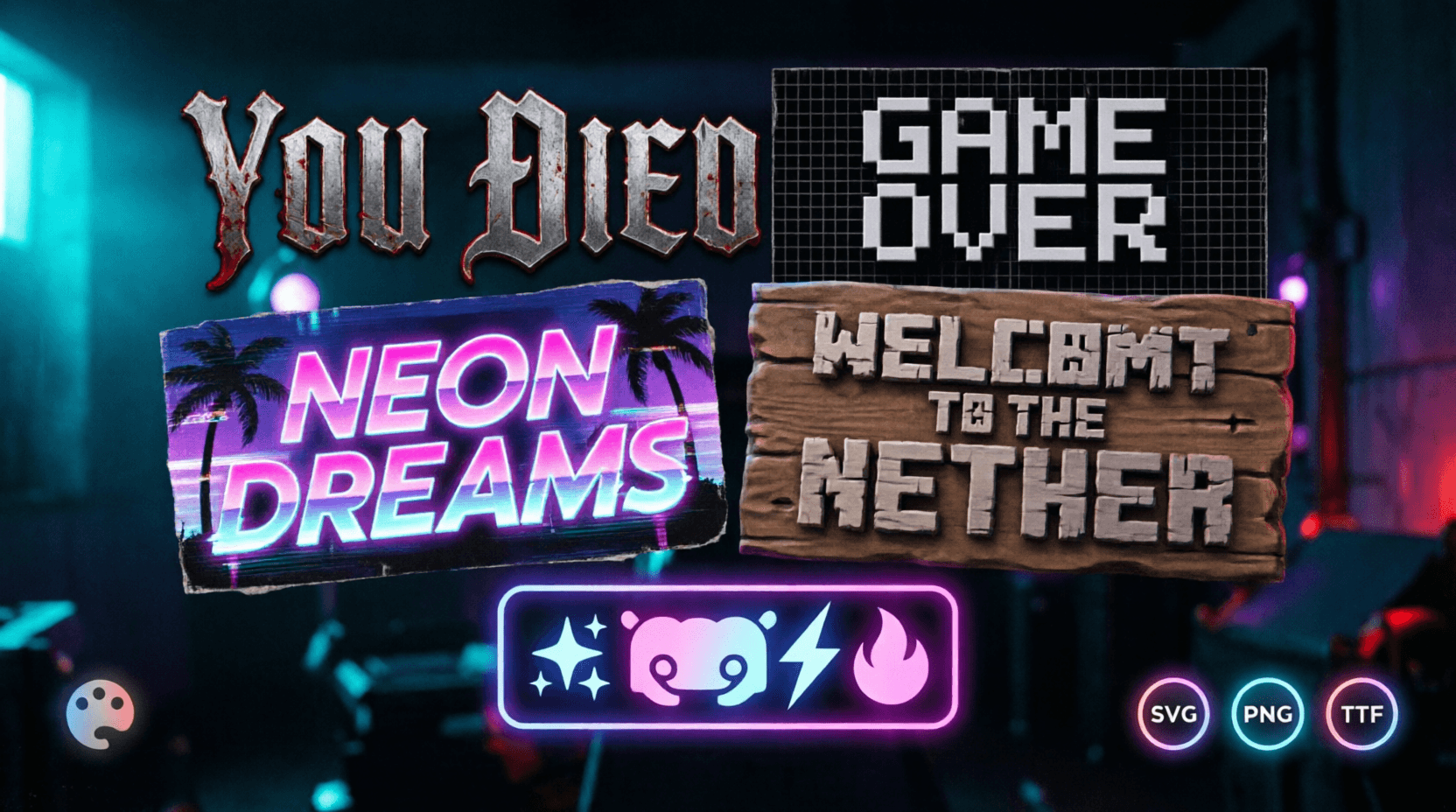
- 📱 Pixel Art Font Generator – Retro 8‑bit gaming text.
All tools are free for personal use. No sign‑up required. Now go create something aesthetic.