Discover the best free gaming text and font generators in 2026. Create custom Discord symbols, Dark Souls “You Died” text, pixel art fonts, vaporwave aesthetics, Minecraft signs, GTA fonts, and more with Ghostern’s powerful online tools.
In 2026, gaming communities, streamers, and content creators are more obsessed than ever with unique aesthetics. Whether you want a dramatic “YOU DIED” screen, a stylish Discord server name, retro pixel text, or a vaporwave aesthetic, having the right text generator makes all the difference.
Here’s a complete guide to the best free gaming text and font generators available right now — all built by Ghostern to help you create professional-looking custom text instantly.
1. Dark Souls Font Generator
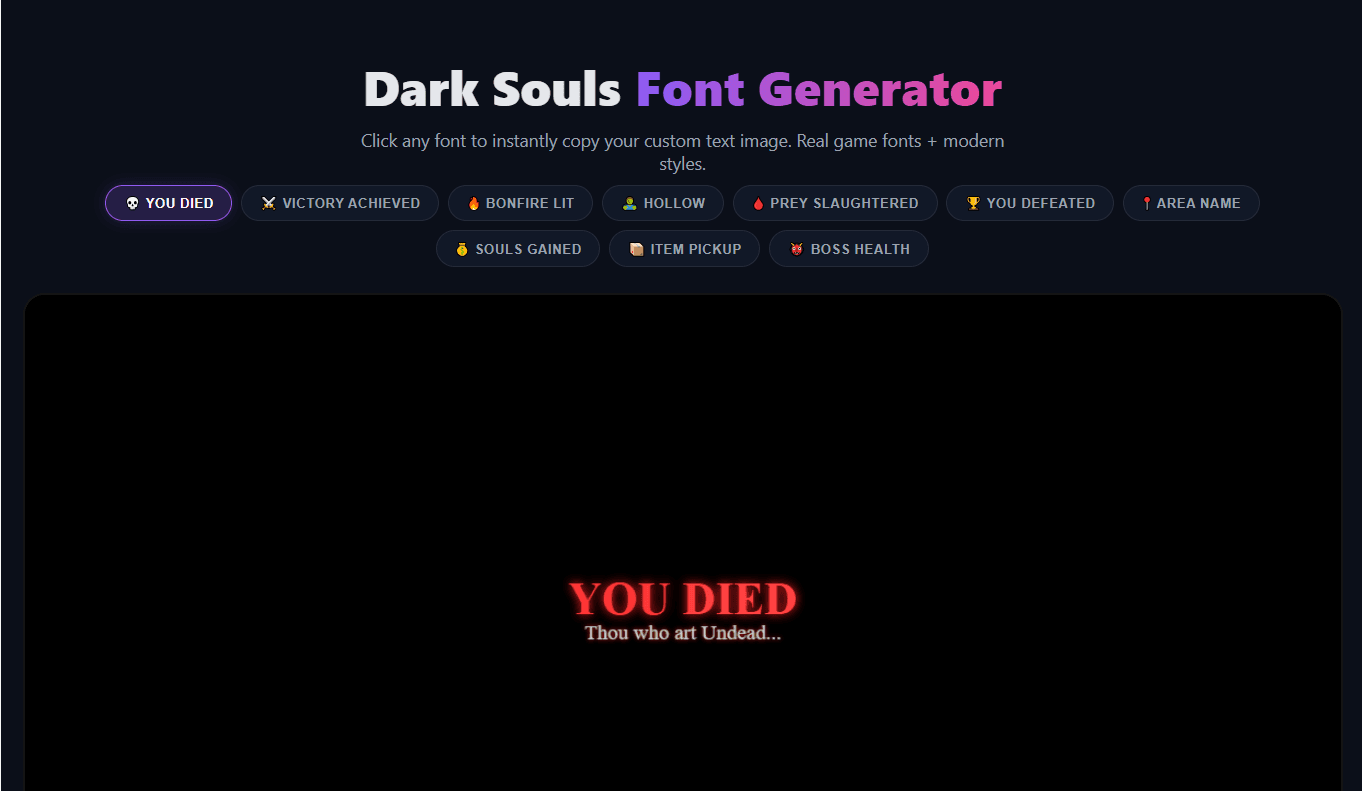
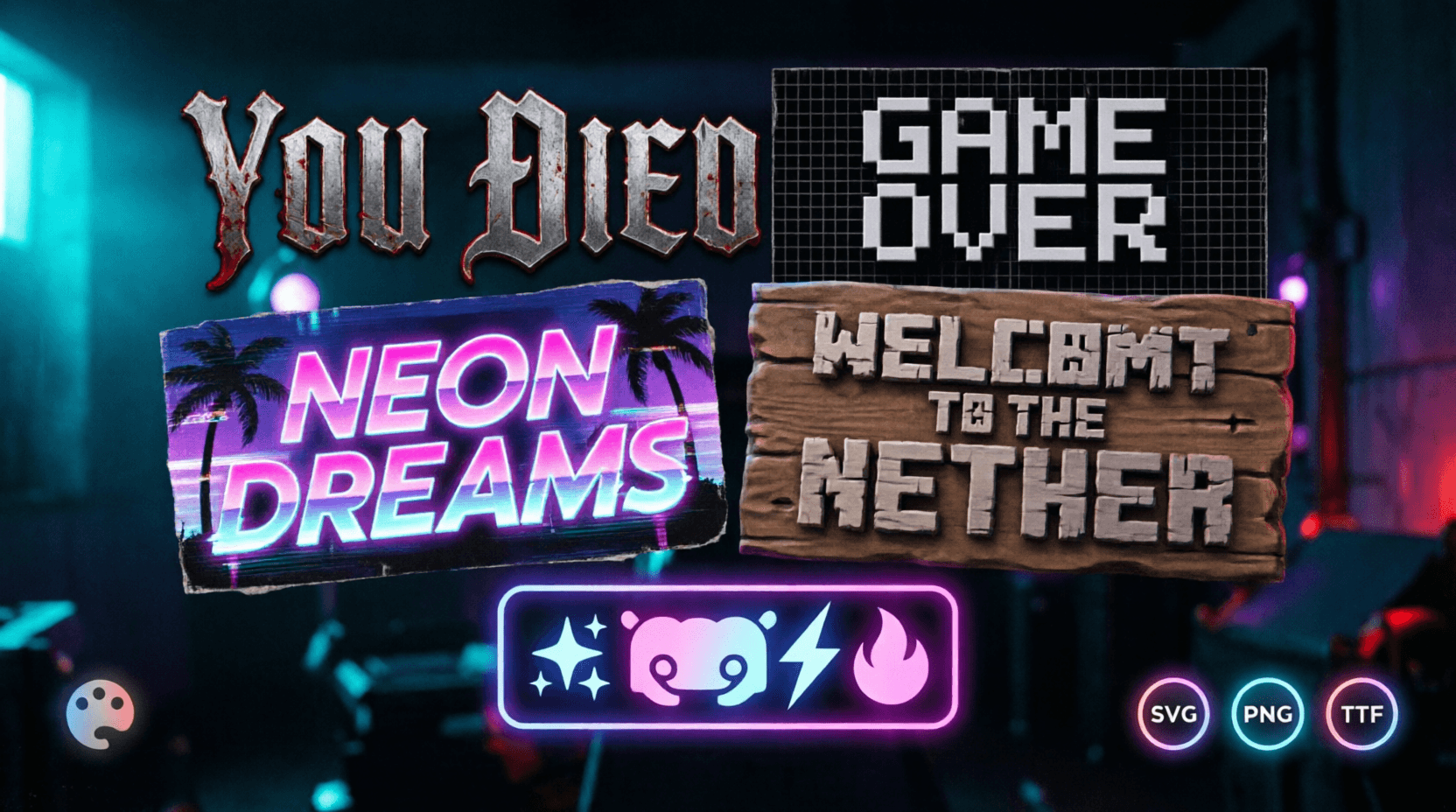
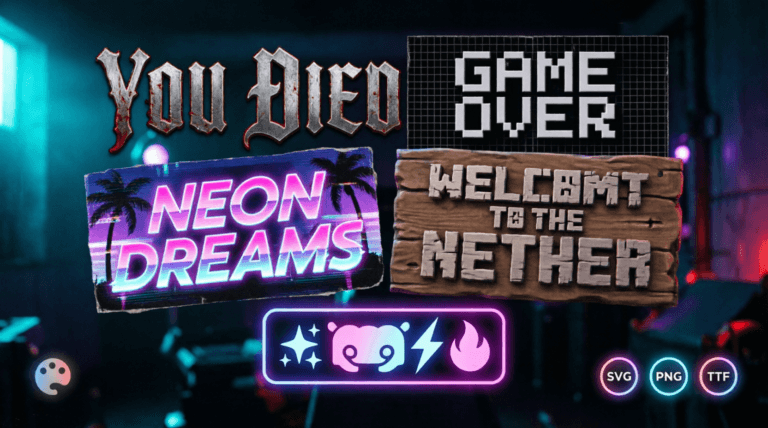
Perfect for creating that iconic FromSoftware feel. Generate realistic “YOU DIED”, boss titles, and gothic text with blood-red effects and ember glows. Ideal for streaming death counters, thumbnails, and fan art.
Try it here: Dark Souls Font Generator
2. Pixel Art Font Generator
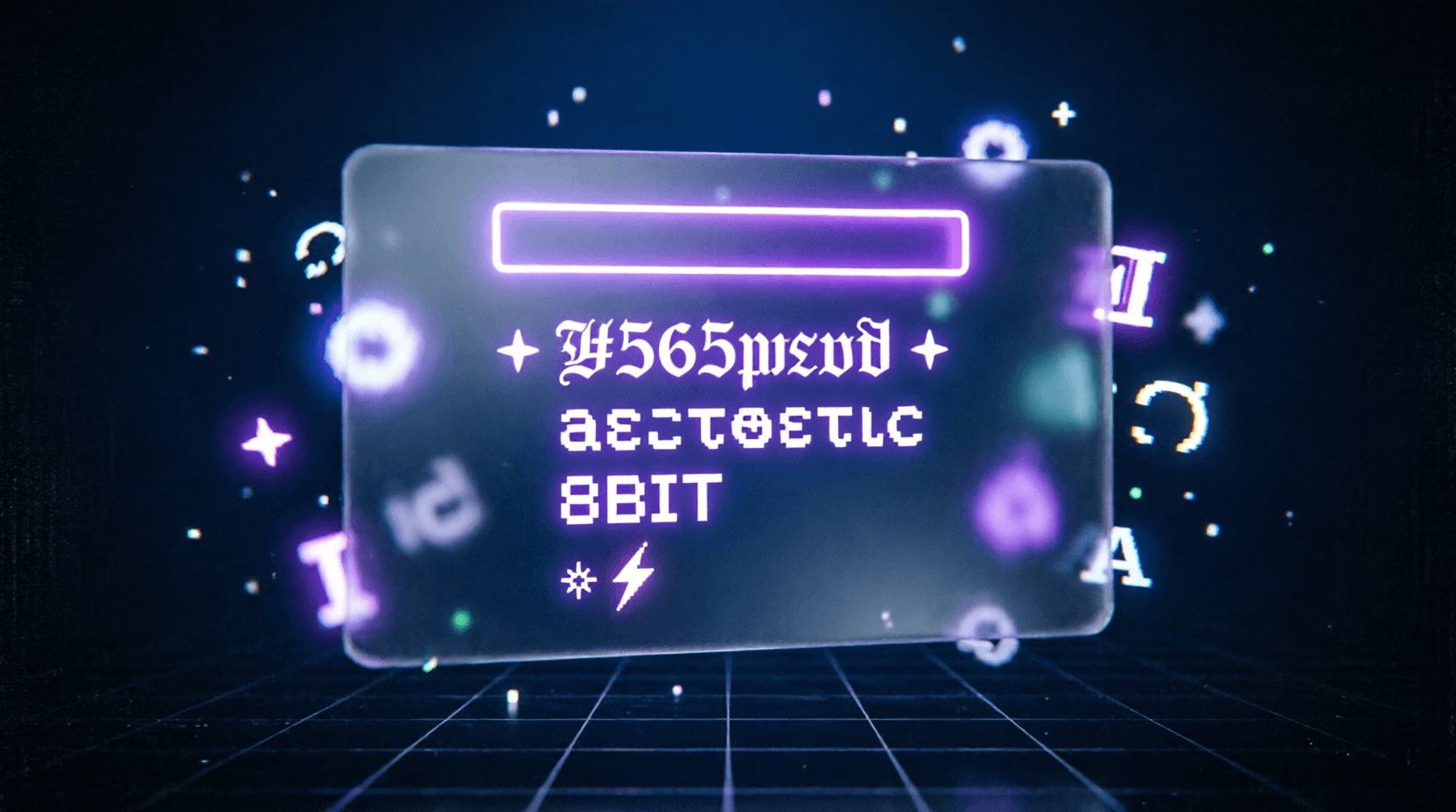
Turn any text into authentic 8-bit or 16-bit retro gaming style. Supports multiple pixel styles, color palettes, scanline effects, and transparent PNG export. Great for indie games, retro thumbnails, and nostalgic content.
Try it here: Pixel Art Font Generator
3. Vaporwave Text Generator
Create dreamy, nostalgic vaporwave aesthetics with full-width characters, Japanese katakana mix, and pastel neon effects. Perfect for aesthetic servers, album covers, and retro-futuristic designs.
Try it here: Vaporwave Text Generator
4. Discord Symbol Generator
Make your Discord server stand out with fancy Unicode text, aesthetic symbols, and custom names. Generate stylish roles, channel names, and welcome messages that work perfectly on desktop and mobile.
Try it here: Discord Symbol Generator
5. Minecraft Sign Generator
Design realistic Minecraft-style signs with wooden textures and pixelated text. Perfect for builders, roleplay servers, and Minecraft content creators who want authentic in-game text.
Try it here: Minecraft Sign Generator
6. GTA Font Generator
Recreate the bold, impactful Grand Theft Auto style text used in loading screens and mission titles. Great for GTA roleplay servers and gaming memes.
Try it here: GTA Font Generator
7. Instagram Font Generator
Create stylish, trendy text perfect for Instagram bios, stories, and captions with multiple aesthetic fonts and symbols.
Try it here: Instagram Font Generator
Bonus Utility Tools to Enhance Your Text
- Image Color Inverter – Turn your generated text into moody dark or inverted versions.
- CSS Gradient Generator – Create beautiful backgrounds and overlays to pair with your custom text.
How to Get the Best Results
- Generate your base text using any of the above tools.
- Export as transparent PNG when needed.
- Combine with the Image Color Inverter for dramatic effects.
- Use CSS Gradient Generator for matching backgrounds.
- Test on both light and dark themes.
Which Tool Should You Use?
- Want dark & epic? → Dark Souls Font Generator
- Want retro nostalgia? → Pixel Art Font Generator
- Want dreamy aesthetics? → Vaporwave Text Generator
- Want stylish Discord server? → Discord Symbol Generator
All tools are 100% free, require no signup, and work directly in your browser.
Final CTA: Ready to level up your gaming aesthetics? Start creating custom text right now with Ghostern’s free gaming text generators.
Which tool are you going to try first? Let us know in the comments!